
O
OpenPost
The new collection is here. See the details and find your favourite in the shop from Friday.
Share updates with your channel or group without leaving your workflow. Prepare the message here, then send it through your connected chat.
Start your free trial14 days free. $0 today. Card required.
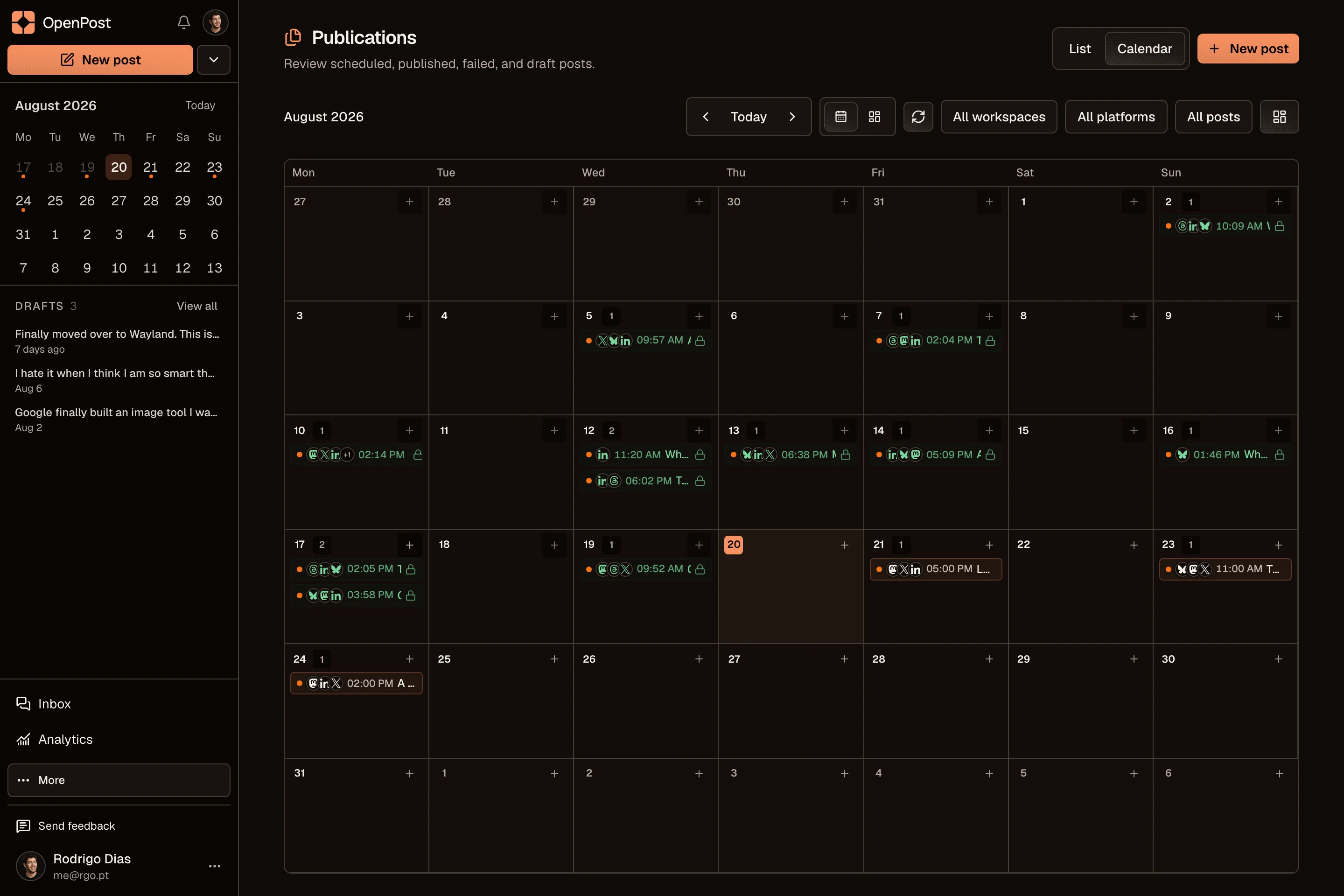
Your channel, on the calendar.
Add the OpenPost bot as an administrator of your channel or group, then post a one-time command inside that chat. Refresh your accounts to confirm the chat appears.
Prepare text up to 4,096 characters, or add media with a caption up to 1,024 characters. Check the preview before scheduling.
OpenPost observes channel posts from installation onward and records reaction counts. Earlier messages are never backfilled.
Channels and groups where the bot is an administrator with permission to post. Post the command inside that chat. A command sent anywhere else does nothing.
OpenPost includes these formats. Check the options available to your account before scheduling.
Yes. Start with one idea, select your accounts, then change the text and media for each channel. Your drafts and planned posts stay together in one calendar.
Explore the other channelsNo. OpenPost Cloud runs in your browser. You can also try the free image and video editors before creating an account. Full video editing works best in desktop Chrome or Edge.
Try the free tools