


 A posting rhythm
you can keep.
Pick a time or use your next free posting slot. Plan the week in your calendar, stagger channels, and get a reminder when the queue runs low.
Plan your publishing
Write posts, edit your media, and plan what goes out.
One workspace
for every channel.
Write, schedule, publish, and follow up.
Keep it all in one workspace.
A posting rhythmPick a time or use your next free posting slot. Plan the week in your calendar, stagger channels, and get a reminder when the queue runs low.
Plan your publishing Start with an idea.
Explore ideas and compare directions. Use Social Sets to choose an account group, build drafts for each channel, and review every version.
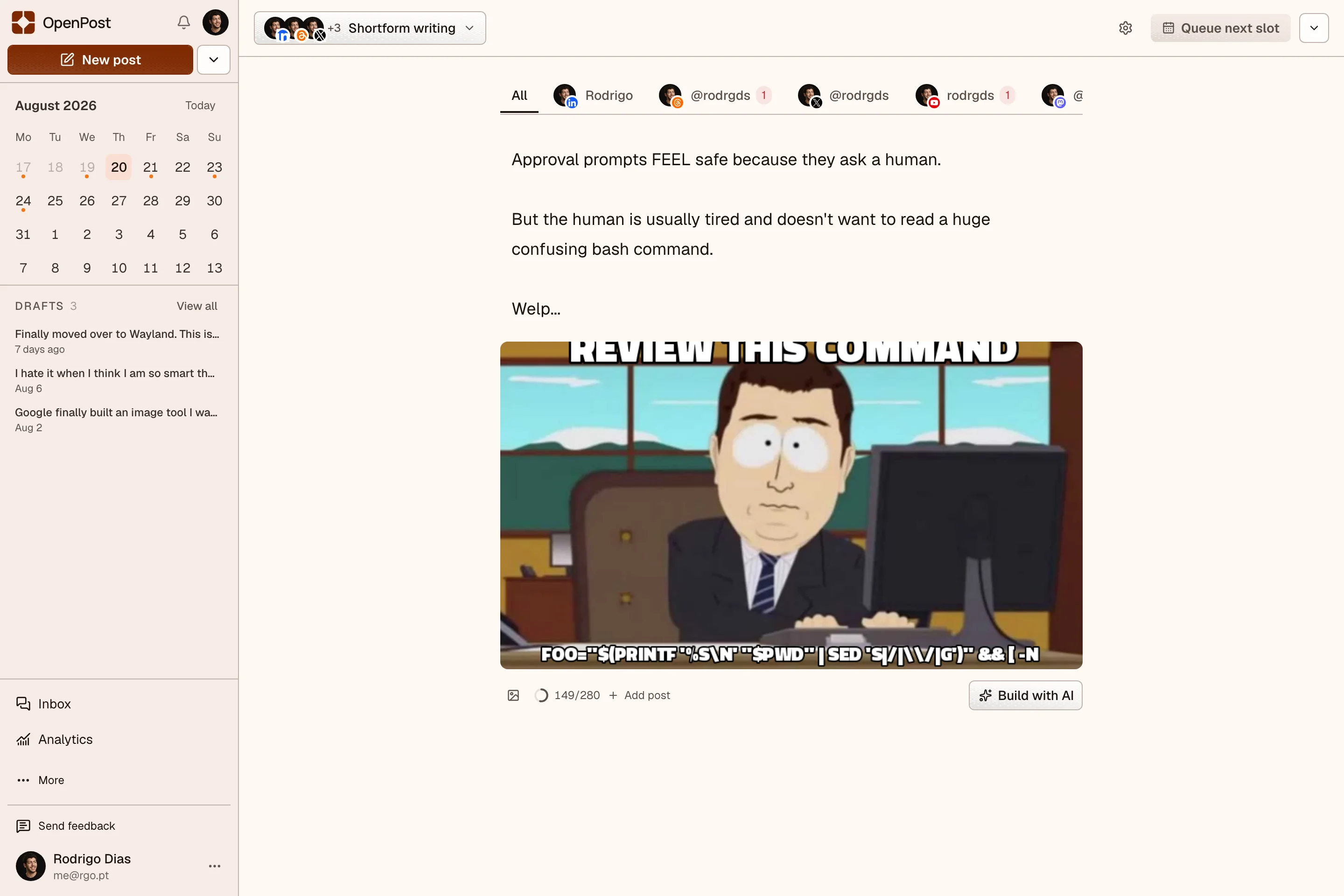
Explore AI writing Sometimes a meme
Pick a template, write the captions, and swap in your images. Save the result to Media or attach it to your post.
Make a meme
 See what people respond to.
Follow views, reach, engagement, and audience changes. Compare posts using the metrics your connected platforms provide, then repurpose a post into a fresh draft.
Explore analytics
 Your media library
Keep templates, brand assets, and fonts ready to reuse. Find files with tags, collections, and favorites. Draft alt text with AI.
Organize your media Grow your network
Find people to follow on Bluesky and Mastodon. Review recommendations and mutual connections, then choose who to follow.
Explore Grow Auto repost
Give a post another turn. Set delays and engagement rules, with overrides for individual posts.
Set repost rules Inbox and DMs
Follow conversations and reply to comments and messages from supported connected accounts.
See inbox support Connect your tools
Bring OpenPost into the tools you already use. Call the TypeScript SDK, install the CLI from npm, draft with your AI assistant, or connect a workflow in n8n.
Connect your tools Teams and security
Separate workspaces and member roles. Sign in with passkeys or two-factor authentication and manage active sessions.
Explore account securityFree browser editors. No account needed.
Export without watermarks.


Layers, text, background removal, and color tools. Export one image or a whole carousel.
Open the Image Editor


Record screen, camera, and mic. Cut clips, add captions, and adjust color and sound on a multitrack timeline.
Open the Video Editor Use desktop Chromium for the full editor.Edit media, split a thread, or check a post before you send it.
Practical answers for scheduling, editing, and sharing your work.
From your first draft to your next video. Find a guide when you need one.
Ideas, formats, and posting options for your business.
"It looks fantastic, great job"
"Damn. It looks very good."
Start with a 14-day free trial. A card is required, and you can cancel before the first charge. Your renewal price and date are shown before you start.
Choose Solo if you work on your own, Team if others help with your content, or Agency if you manage clients. Every plan includes the same tools. Team and Agency add workspaces and more people.
Yes. Create images and edit videos for free, with no account or watermark. Local projects stay on your device unless you choose to save them to OpenPost.
Yes. Cancel from billing settings. Cancel during the trial before the first charge, or stop your next renewal. Your checkout and billing page show the dates that apply.
